The app
Parse subscriptions, store nodes, measure latency, switch Global Routing, read and write configs, request a system VPN. Those stay after one purchase.
iOS Network Utility

A rule-based proxy client for iPhone / iPad. It runs policy. It does not sell a network. For which button to tap, go to the tutorial.
Many people treat it as the same thing as “the network.” It is not.
Using it fully stacks three layers. Layer one is the app itself: the client you buy on the App Store. Layer two is a subscription or nodes: host, port, protocol, expiry—from a provider. Layer three is the config and rules: which requests go direct, which use the current node. Miss a layer and it all looks like “installed but unusable.”
So it is closer to a precise switch than to a carrier. You can buy, update, and back up the switch. Power still has to be wired in separately.
Parse subscriptions, store nodes, measure latency, switch Global Routing, read and write configs, request a system VPN. Those stay after one purchase.
Provided by a provider. Expiry, rate limits, or a link missing parameters show up as an empty list or a failed connect. That is not a broken app.
Decide how traffic is routed. The default config already includes split routing; a provider may also send a remote config. It is not the same file as the subscription.
For people who manage policy themselves—not a one-tap plan panel.
You already have a subscription or self-hosted nodes, and you want rule-based routing on iOS instead of stuffing every request into one tunnel. Also a fit if you need per-app overrides, remotely updated configs, and your own latency and logs.
It is not a network vendor. Opening it will not invent nodes. Without a subscription, buying the app only finishes layer one.
This is product structure, not a procedure. To follow the screen, go to the tutorial.
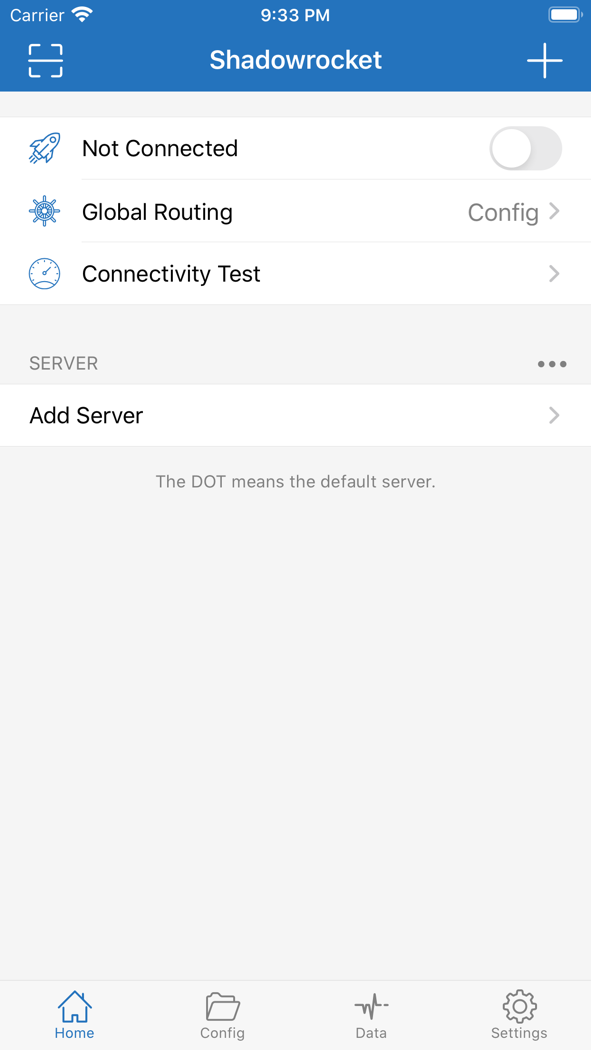
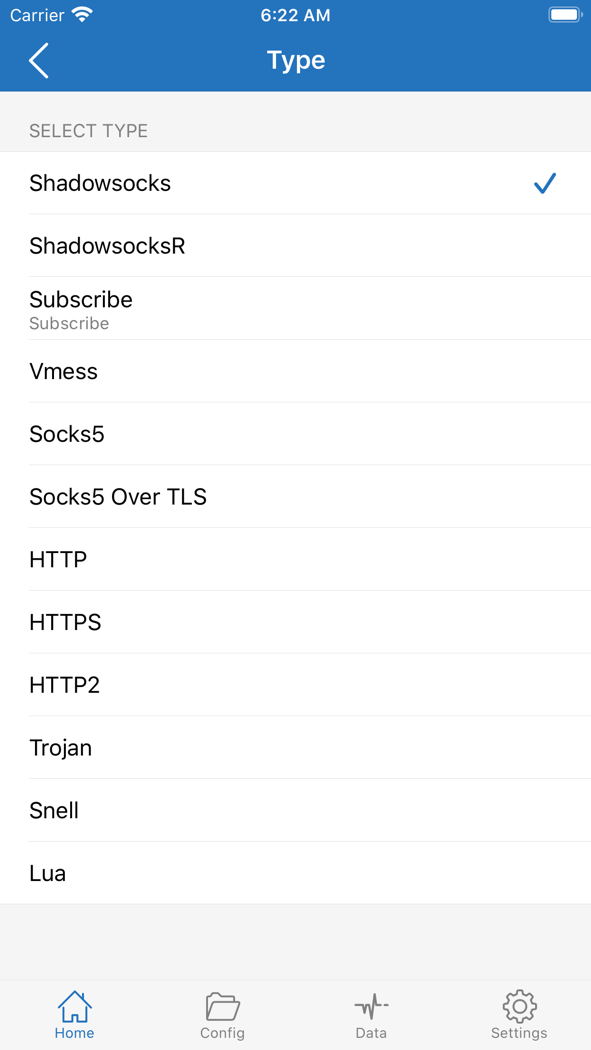
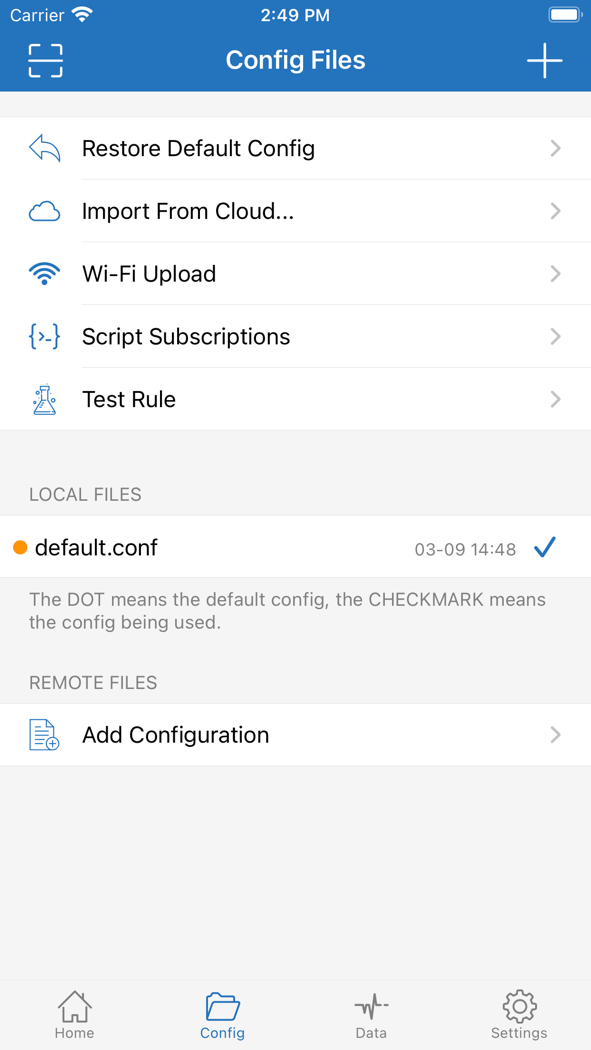
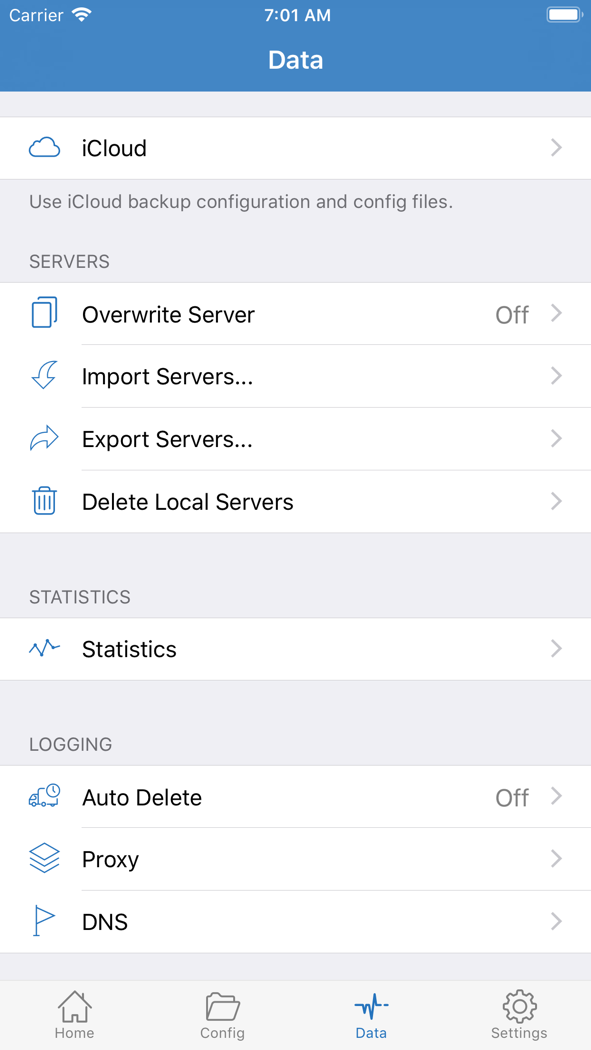
| Module | What it decides | How it relates to another layer |
|---|---|---|
| Home | Current node, connection switch, Global Routing, latency test | Without a subscription, SERVER often shows only Add Server |
| Type / Add | Whether this record is a subscription or a single protocol node | A subscription URL goes through Subscribe; a host you type goes through Add Server |
| Config | Which rule file to use, local or remote | Stored apart from the node list; changing the subscription does not require changing the config |
| Data | Backup, import/export, stats, logs | On a new device this leaks less than copying nodes by hand |
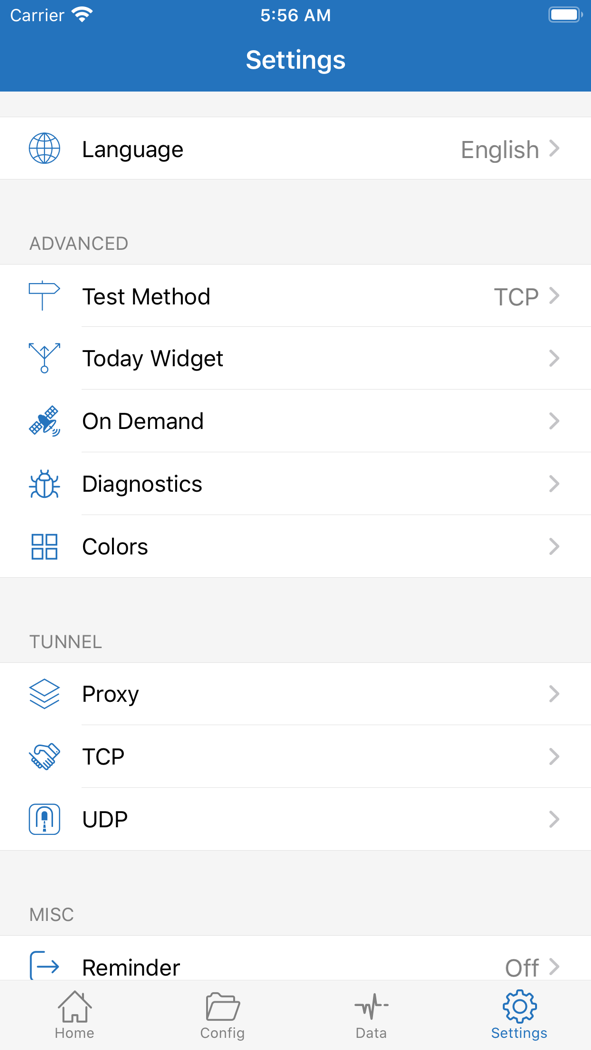
| Settings | Language, test method, On Demand, diagnostics | Affects when it disconnects automatically; does not provide a network |
Global Routing is not “good / better / best.” It is three observation modes.
| Config | Route by the current config file. Daily use should stay here. |
|---|---|
| Proxy | Almost every request uses the current node. Only for a short check of “are the rules blocking this.” |
| Direct | Everything goes direct. Use it to ask “is the proxy itself the problem.” |
A one-time purchase is a client license, not unlimited network access.
Install and update on this device, import your own subscription and config, use rule-based routing, request a system VPN, back up, and read diagnostics.
Any node, traffic, or expiry—and region switching, shared accounts, or an IPA. The icon must be a white teal-purple line rocket, and the name must be Shadowrocket.